Requests for ID FraudGuard Verification - Paper Applications
Key Things to Keep in Mind for Paper Applications
- Site teams must initiate the ID Verification from within TenantTech.
- Leasing teams cannot modify or resubmit ID FraudGuard on the applicant’s behalf.
1. Start - Application entered in TenantTech
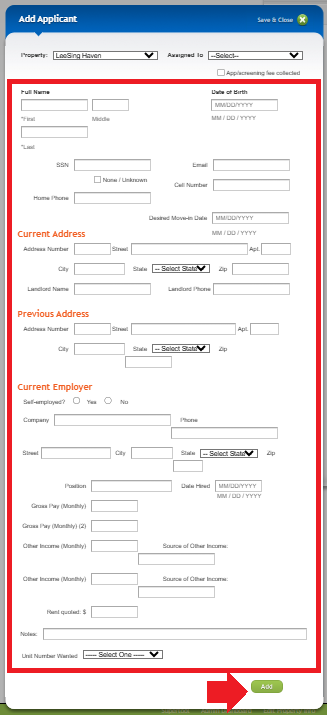
After receiving a completed application, site teams confirm the applicant details, enter the information into TenantTech using the Create New Applicant. Enter Applicant provided details in the Add Applicant page. After all details are entered, select Add.
*Important- All mandatory fields must be entered for the applicant to initiate the ID FraudGuard Verification request.
2. Applicant in TenantTech
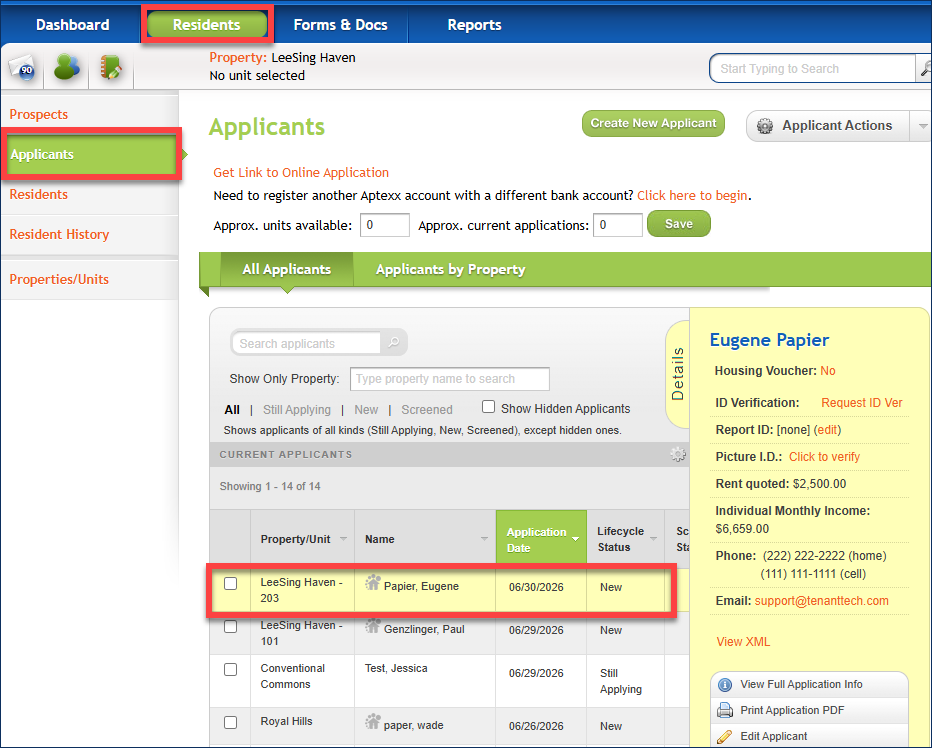
Select the applicant’s name from the list of applicants.
3. Applicant Details Panel
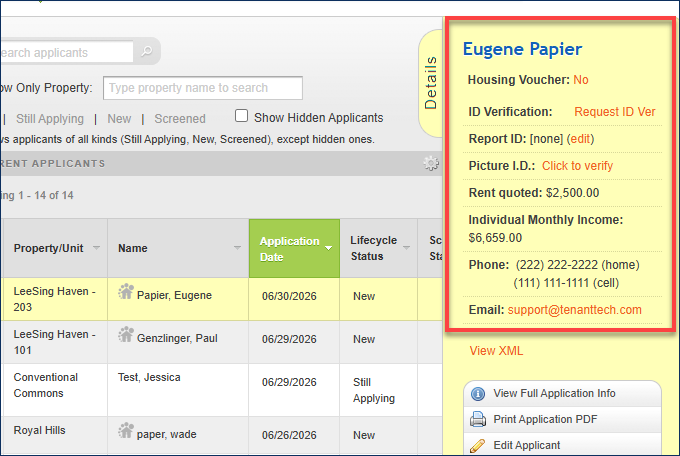
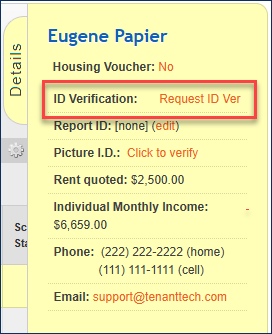
From the Applicant Details Panel, confirm that the applicant information received on the paper application (Applicant Name, Email Address, and Cell Phone Number).
4. Request ID Verification
Once the applicant information is confirmed, click on Request ID Ver.
5. Send ID Verification
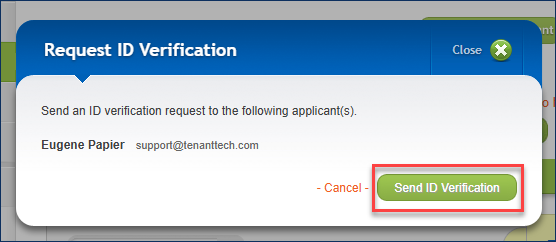
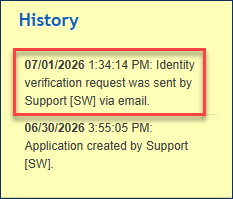
A pop-up window appears, displaying the applicant's name and email address. Click on Send ID Verification. The details of the request will be stored in the Applicant History.
6. ID FraudGuard Link
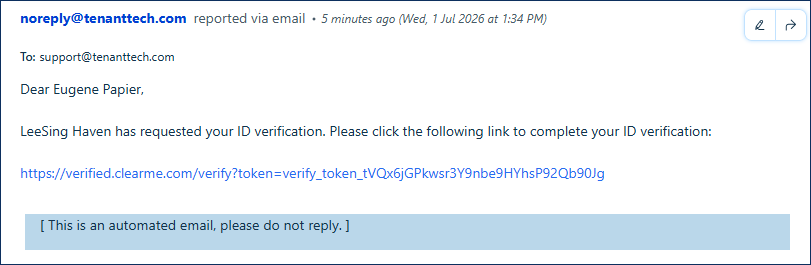
Site teams will need to notify applicants to check their email for the ID verification request. Once the applicant opens the email and clicks the verification link, they will be directed to the ID FraudGuard interface.
7. Complete Identity Verification
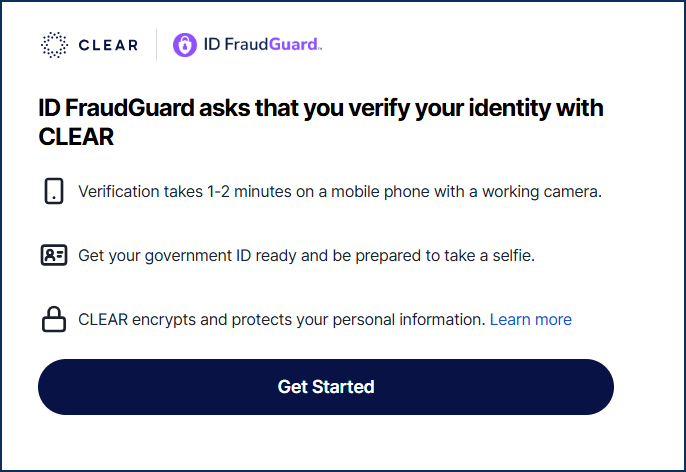
After clicking on their verification link, the applicant is taken to the CLEAR website, where they select Get Started to initiate their identity verification.
*Important Note: Applicants MUST have access to a mobile phone with a working camera to complete their verification.
8. Identity Verification Complete
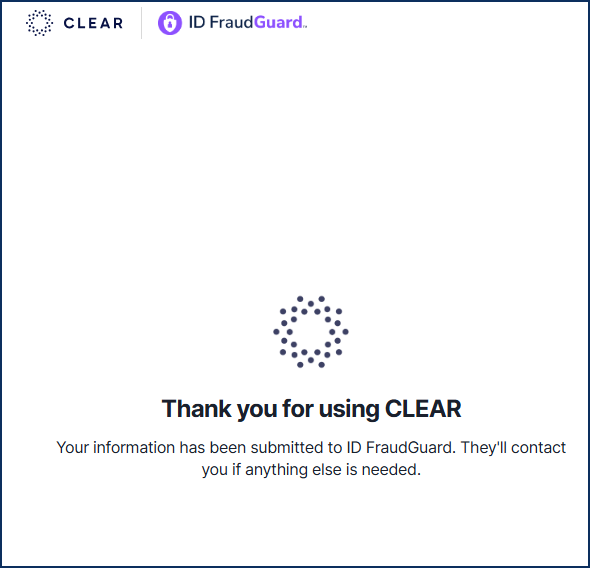
Once the process is completed, a message will be displayed confirming that the applicant’s information was submitted to ID FraudGuard. Simultaneously, CLEAR sends confirmation to TenantTech.